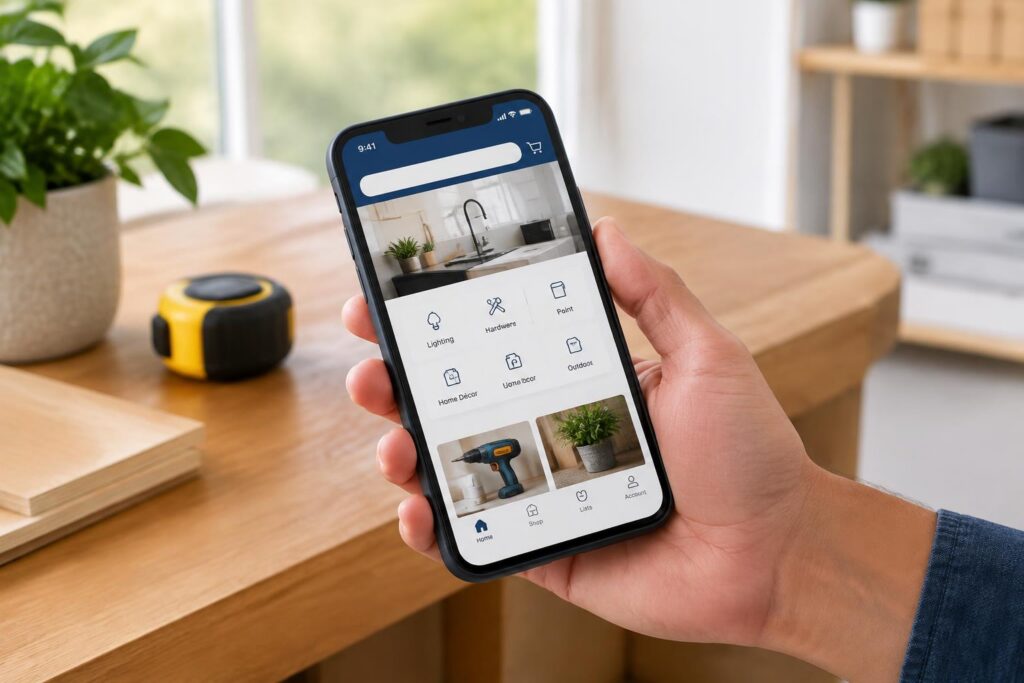
Reported offer: New MyLowe's Rewards members who haven't downloaded the Lowe's app can claim $10 in free MyLowe's Money, suitable for anyone planning purchases at Lowe's.
Offer details
Upon downloading the Lowe's mobile app and logging into your free MyLowe's Rewards account, you will automatically receive $10 in MyLowe's Money. This credit can be applied to purchases within app, online, or in-store. In the app, access your credit by going to 'Account' and then 'MyLowe's Money.' The $10 credit expires 30 days after being issued.
How to use it
1. Join MyLowe's Rewards for free if you are not already a member.
2. Download the Lowe's mobile app on your smartphone.
3. Log in to your MyLowe's Rewards account through the app.
4. Locate your $10 MyLowe's Money under 'Account' > 'MyLowe's Money.'
5. When making a purchase, apply the credit by selecting 'Add' under payment options for online or in-app checkouts.
6. To use in-store, enable Lowe's Wallet in the app and select 'Use All In Store' to show your member ID at checkout.
Eligibility and restrictions
This offer appears to be limited to MyLowe's Rewards members who have not previously downloaded the Lowe's app. The $10 credit must be used within 30 days from issuance. Check the app for your exact expiration date. The credit applies only to purchases at Lowe's, usable in-app, online, or in-store. No specific exclusions or minimum purchase requirements were noted but confirm details within the app.
These deals can change at any time. Confirm current dates, availability and eligibility with the retailer or venue before shopping or visiting.