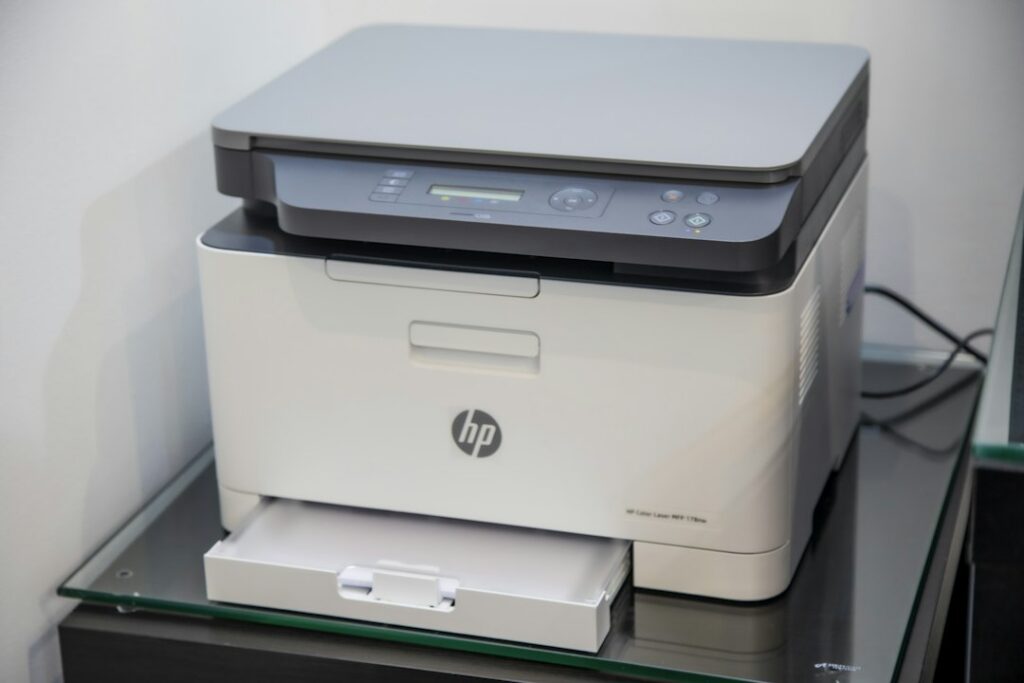
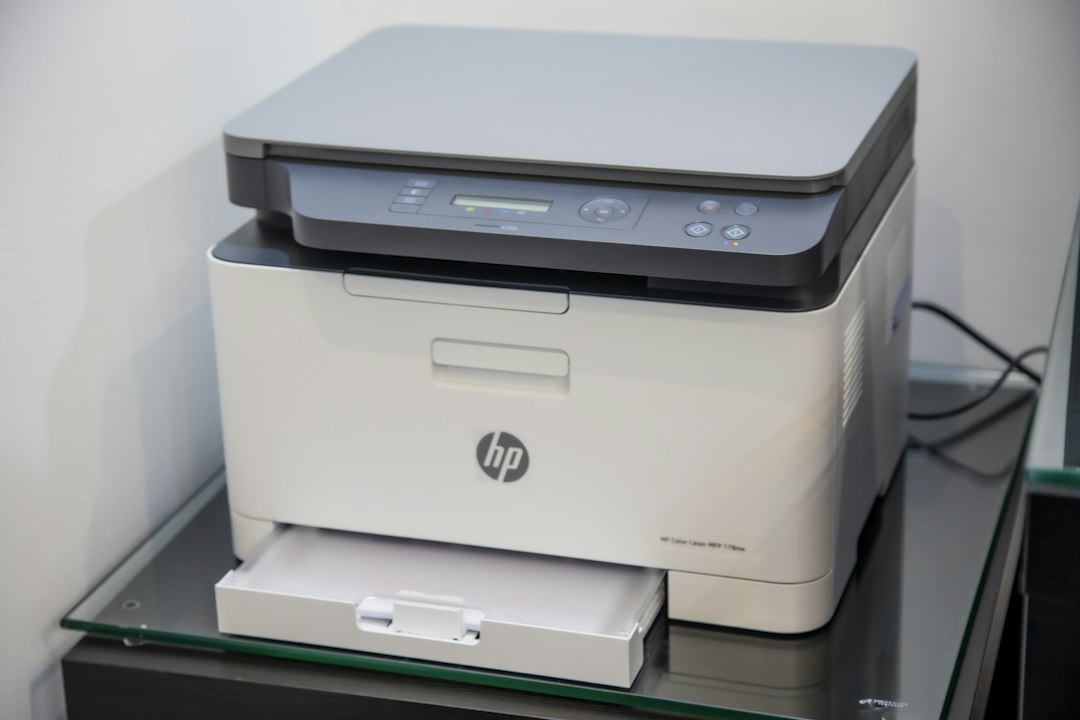
Before comparing an ink multipack, match the cartridge number to your exact printer, then compare what the pack contains and how its page yield is defined. A familiar printer brand, an “XL” label or several cartridges in one box does not establish that the pack fits or that it will cost less for your printing.
Match the printer model and cartridge family
Record the complete printer model from its label or settings, including any model suffix. Use the manufacturer’s supplies information for that exact printer. Compare the cartridge number, color and regional compatibility on the package rather than choosing by a similar-looking box.
Keep ink cartridges, toner cartridges and refill bottles separate in the comparison. They serve different printing systems. A multipack is useful only if its individual contents match the supplies your printer accepts.
Read what is inside a multipack
List each included cartridge and color. A black-plus-tricolor pack is a different purchase from a pack of separate cyan, magenta and yellow cartridges. Do not assume a pack includes black ink unless the contents say so.
| Pack detail | Question to answer |
|---|---|
| Cartridge number and suffix | Is this exact supply listed for my printer? |
| Colors included | Am I replacing the colors I actually need? |
| Standard or high-yield format | Does the comparison use the corresponding yield for each cartridge? |
| Number of each cartridge | Is this one of each color or several of the same color? |
| Purchase or subscription arrangement | Am I buying supplies outright or accepting a separate recurring program? |
Use page yield as a comparison measure
HP’s inkjet yield explanation describes standardized testing and explains why printed content, printing frequency, setup and other ink use can change actual results. Declared yield is a starting point for comparison, not a guaranteed number of pages for every home.
Compare like with like. Check whether a color yield is reported individually or as a composite figure. A composite color number is not three separate identical quantities to add together. Likewise, a document-printing yield does not automatically describe the number of full-page photographs you can print.
Calculate a clearly labeled planning cost
Hypothetical example, not a live cartridge offer: a compatible standard cartridge costs $20 and has a declared yield of 200 pages. Its planning cost is $20 ÷ 200 = 10 cents per declared page. A compatible high-yield option costs $40 with a declared yield of 600 pages, or about 6.67 cents per declared page.
The second example has a lower cost per declared page but requires twice as much money at purchase. It is not automatically the better choice for someone who needs a small amount of printing and a lower initial payment. Actual yield can differ; these figures also exclude paper and other printing costs.
For a multipack, avoid assigning the entire pack price to a single color’s page yield. First identify the contents and the manufacturer’s relevant yield basis. If the information does not support a comparable calculation, compare the pack and single-cartridge purchase totals without inventing a per-page result.
Check delivery and recurring commitments
Include shipping and any minimum-order requirement in the amount due now. Keep a purchase coupon, a subscription price and a later store reward as separate conditions. A low first shipment does not establish what future deliveries will cost.
Follow the manufacturer’s storage instructions for spare supplies and buy a quantity that fits your use. Keep the order record, exact cartridge number and printer model together so the next restock starts from a confirmed match.
A short restock checklist
- Confirm the exact printer and accepted cartridge number.
- List every cartridge and color in the pack.
- Compare standard and high-yield options using their corresponding declared yields.
- Keep hypothetical per-page planning separate from an actual printing guarantee.
- Compare the current checkout amount, shipping and any recurring commitment.
Use the shopping tools to organize a current order, and the deal browser for available shopping coverage. Save the compatibility details before buying another pack.