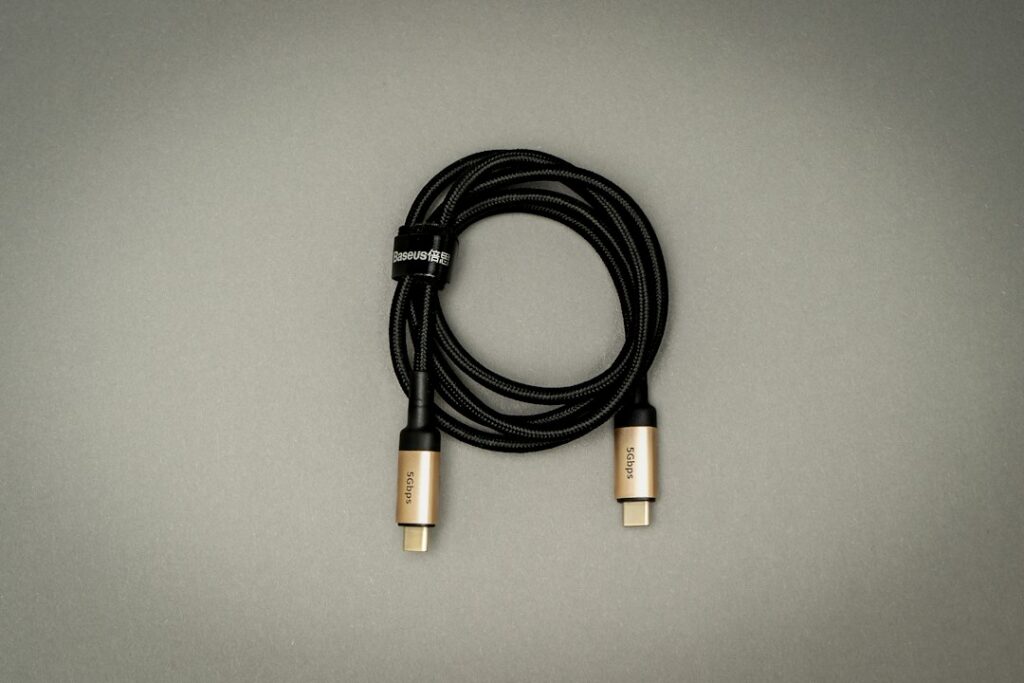
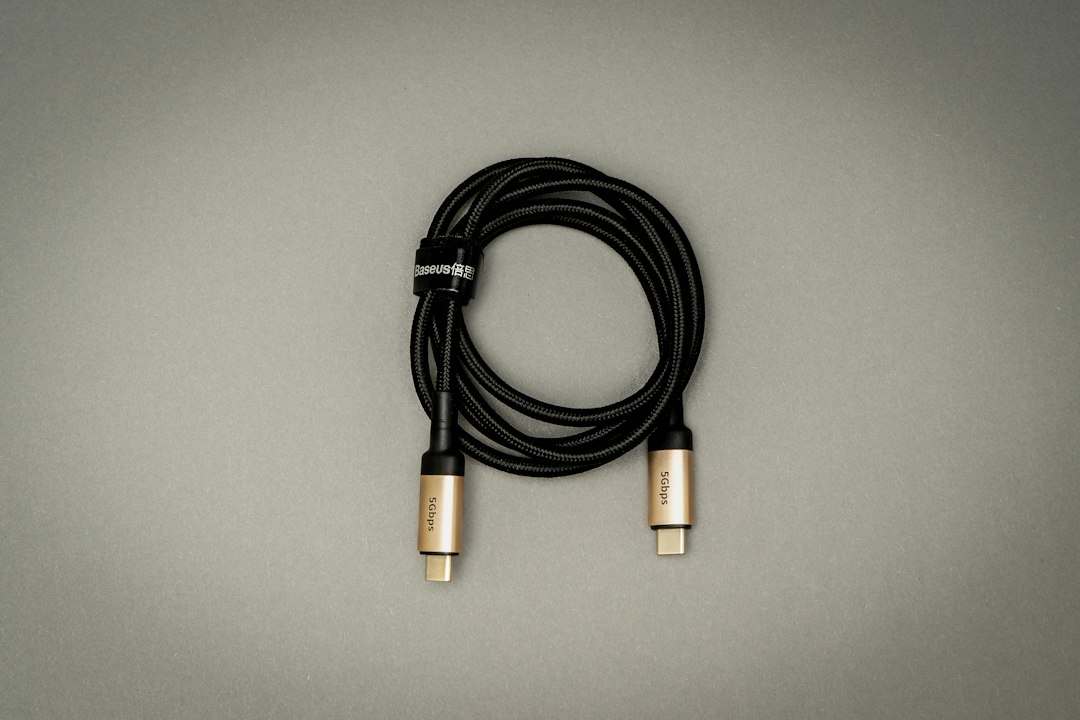
A USB-C connector tells you which shape plugs in. The buying decision still needs two separate checks: the power the cable supports and the data features your task requires. A cable can be useful for charging without being the right choice for a fast external drive or a display connection.
Write down the job before comparing packs: phone charging beside a bed, laptop charging at a desk, moving large files, or connecting a dock. That short description prevents buying a high-wattage label for a problem that is actually about data or video.
Start with the devices at both ends
Check the device manual and charger specifications for the charging connection and power requirement. For a laptop, use the maker’s charging guidance for the exact model. For an external drive or dock, look for its supported data connection and any display requirements. A matching plug alone cannot establish those capabilities.
USB-IF’s cable guidance explains that certification covers different cable purposes and does not increase a connected product’s capabilities. A more capable cable cannot supply a feature the host, charger or device lacks.
Read the power label separately from the data label
Under the current USB-IF certification program, USB-C to USB-C cables must carry a 60W or 240W power marking before compliance testing. Most categories also require their supported data-rate marking; High-Speed USB 2.0 cables are an exception to the data-rate marking requirement. This is a certification-program requirement, not a claim that every cable already in a drawer uses those two labels.
The power figure describes cable capability. It is not a promise that a phone will take that much power. Likewise, a high power rating does not by itself establish fast file transfers. Look for the explicit data rate needed for your drive or dock.
| Your main job | What to compare | What a headline alone misses |
|---|---|---|
| Phone charging | Device and charger requirements, cable power capability and useful length | The device controls what charging features it supports |
| Laptop charging | Exact laptop power guidance and compatible charger/cable combination | A USB-C shape does not establish the required charging capability |
| External-drive transfers | Explicit cable data rate plus the ports on the computer and drive | A watt rating is not a data-speed rating |
| Dock or monitor connection | Host, display and dock manuals’ required connection features | Charging support alone does not establish video support |
Match Power Delivery across the whole connection
USB Power Delivery can support up to 240W under the relevant specification. Reaching a particular capability requires a suitable combination of source, cable and receiving device. “Up to” describes a capability ceiling, not a result every connection achieves.
When replacing one part of a setup, keep the other two parts in the comparison. Record the charger model, the port being used and the device model. For a charger with several ports, consult its own output table rather than assuming each port supplies the headline total at the same time.
Choose a useful length and quantity
Measure the route from the outlet or charger to where the device rests, allowing for bends without putting tension on the connector. A desk cable and a cable that reaches a bed may need different lengths. Check whether a pack contains identical cables or mixed lengths before dividing its cost by the pack count.
For a shared household pack, list the jobs separately. A spare charging cable for a phone does not automatically replace a cable used for a display or a fast storage device. Labeling the intended job after purchase can make similar-looking cables easier to keep straight.
Save the exact specification with the purchase
Keep the manufacturer model, stated length, power capability and data capability in your order record. If certification is part of your buying decision, use the USB-IF product directory and the exact model information, rather than treating any decorative logo as proof.
Compare complete specifications before choosing a bundle. For a broader shopping calculation, the shopping tools can help keep the purchase total separate from later rewards.