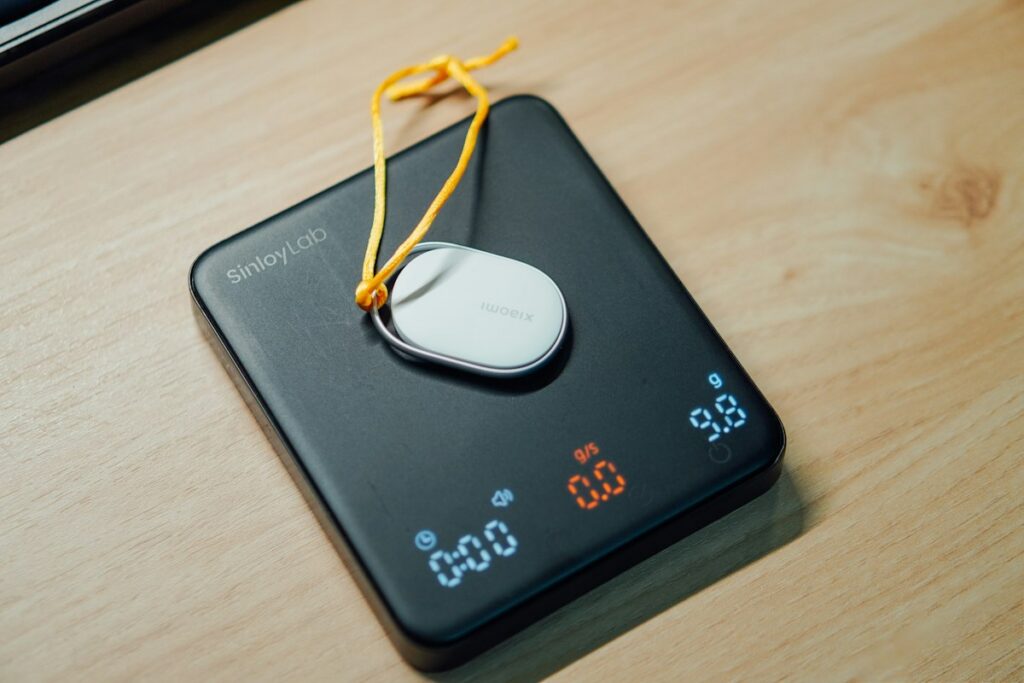
A kitchen scale is easier to choose when you picture the whole weighing setup: the bowl on top, the ingredient inside it and the display you need to read. Capacity alone does not tell you whether a scale will fit that job. Compare its units, smallest displayed increment, platform and controls before choosing.
Allow capacity for the bowl as well as the ingredients
The maximum load is a limit for the weighing setup. Pressing tare or zero changes the displayed starting point; it does not give the platform extra physical capacity. Check the manual’s maximum-load instructions and any capacity indicator before adding a heavy mixing bowl.
Hypothetical example: On a scale with a 5 kg maximum load, a bowl weighing 0.8 kg leaves 4.2 kg of that load limit for its contents. The display can read zero after you tare the bowl even though the bowl is still on the platform. These are example weights, not a product test.
Match the displayed steps to the recipe
Read the units and increment specification separately. A scale might switch between grams and ounces yet still use different displayed steps in those modes. If a recipe needs single-gram targets, a scale that only displays five-gram steps cannot show every target in between.
Check the unit symbol each time you switch modes. Weight in ounces and volume in fluid ounces are different measurements; use the kind of measurement your recipe specifies. Our measuring-cup guide explains why a weight amount and a cup amount are not interchangeable.
Check what the bowl hides
Compare your largest bowl or plate with the platform and the location of the display. A scale that fits in a drawer can still be awkward if a wide bowl covers its numbers or touches the controls. A raised platform or pull-out display may help with visibility, but compare the actual arrangement rather than assuming every large bowl fits.
For a concrete design example, the OXO stainless-steel pull-out-display scale manual shows a display that can move away from the platform. It also describes zeroing a container, adding an ingredient and zeroing again before adding another.
Understand tare and what happens after a pause
Tare lets you subtract the container from the displayed amount or start a new ingredient at zero. If you need to record the full batch weight, note the amounts before resetting the display between ingredients.
Removing a tared bowl can produce a negative reading because the scale is still subtracting the bowl’s weight. Reset the empty scale before beginning a different measurement, following its instructions.
Check standby and automatic shut-off separately. The stainless-steel manual above and the OXO glass pull-out-display scale manual give different timing instructions. A feature name shared by two models does not establish the same behavior after a long pause.
Compare cleaning, power and storage
Read whether the platform lifts off and how the base should be cleaned. A removable platform does not automatically mean it is dishwasher-safe. The two OXO manuals give different platform-cleaning directions, while both warn against dishwasher use.
Check the battery type, low-battery indicator and whether the manual gives storage restrictions. Choose a place where heavy items will not rest on the scale. Keep the matching manual with the model details so you can find its actual zeroing and care instructions later.
For more practical buying methods, browse our savings guides.