A paper shredder’s sheet count describes one feeding limit. It does not tell you how long the motor can run, how often you will empty the bin or which materials the machine accepts. Compare those details together, especially if you save paperwork for one large sorting session.
Start with the documents you actually handle
Make a short list: ordinary printer paper, envelopes, stapled pages and any cards you intend to destroy. Then compare that list with the exact model’s permitted and prohibited materials. A slot wide enough for an object does not make that object suitable for the cutters.
For a concrete example, the Fellowes Powershred 60Cs manual permits paper, plastic credit cards, small paper clips and staples. It excludes CDs/DVDs, adhesive labels, cardboard and several other materials. Those are instructions for the 60Cs; use another model’s own manual when comparing it.
Read what the sheet rating measures
The 60Cs rating is ten sheets per pass under its stated test conditions, including ordinary 20-pound letter paper. Heavier paper or other operating conditions may reduce capacity. Its recommended daily usage is a separate limit: 100 sheets and five credit cards.
Keep three comparison columns instead of one: sheets per pass, recommended daily volume and accepted paper size. This makes a low-volume household machine easier to distinguish from a machine intended for regular larger batches without assuming a bigger headline number solves every workload.
Plan around running and cooling time
The 60Cs manual specifies up to six minutes of continuous operation; going beyond that triggers a twenty-minute cooldown. A short running period can work for a few pages at a time, while a large accumulated pile may involve interruptions.
Hypothetical planning example: if a machine’s instructions require a rest between batches, do not plan to finish two full continuous-use periods back to back. Cooling time belongs in the task schedule. Dividing a pile into the maximum sheet count also does not predict total shredding time: feeding, checking contents and emptying all take time.
Compare emptying and storage access
Measure the assembled machine where you will use it, then leave room for the manufacturer’s specified bin-removal or head-lifting method. A unit that fits underneath a desk may still be awkward to empty there. Compare how you will carry the waste to its disposal location and whether the controls remain accessible.
A viewing window and a removable bin solve different problems. The first helps show the fill level; the second describes access. Check both rather than assuming one feature includes the other.
Include the maintenance routine in the purchase
Read the maintenance and safety sections before buying. The 60Cs manual calls for oiling when the waste bin is emptied and gives a specific procedure and lubricant type. It also warns against aerosol products near the shredder. Do not substitute a household spray or a routine intended for another model.
Your final checklist is simple: suitable materials, realistic daily volume, workable running and cooling periods, accessible waste removal and instructions you can follow. For the rest of a small workspace, see our desk and study selections and shopping tools.
Some shopping links on this site are affiliate links; we may earn a commission from qualifying purchases.
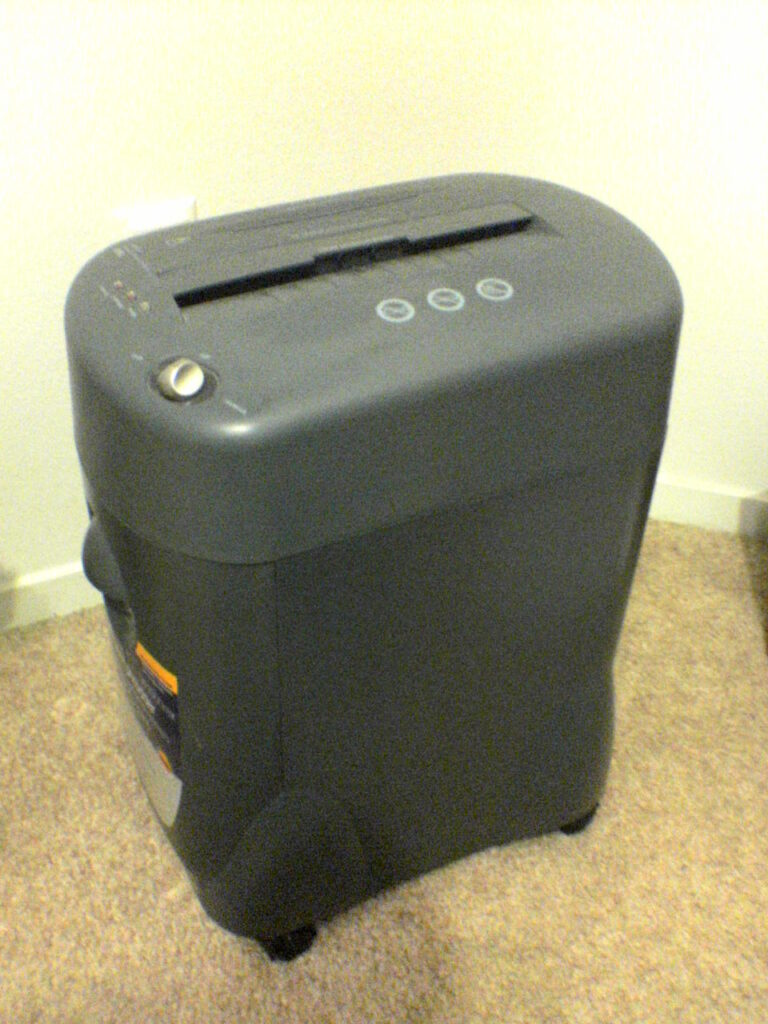
Illustrative paper-shredder photograph by High Plains Drifter, via Wikimedia Commons, public domain. The pictured machine is not identified as the Fellowes model discussed above.